A web development agency has two kinds of work with different economics: projects that are scoped, built and handed over, and the care plans that follow, where the money is in hours and uptime. Both go wrong the same way. Hours leak through requests nobody wrote down, and the first sign of a client site being down is the client.
Workflows web agencies run in Jasper
Fixed-scope builds tracked against the estimate
Create an engagement in the Client Hub for a fixed-scope build, enter the hours scoped, and log developer time on the linked project. The engagement shows hours used against hours scoped and the days left to the go-live date. When the client asks for a sixth page, estimate it in hours, put it through a change request and add the approved hours. The statement of work guide explains acceptance criteria, assumptions and exclusions.
Care plans and hosting retainers
Record a monthly maintenance retainer, link it to the project the updates are logged against, and watch the ledger. Hosting agreements sit on the same client profile. For the arithmetic of rollover and expiry, see the glossary entry on retainers.
Monitoring every client site
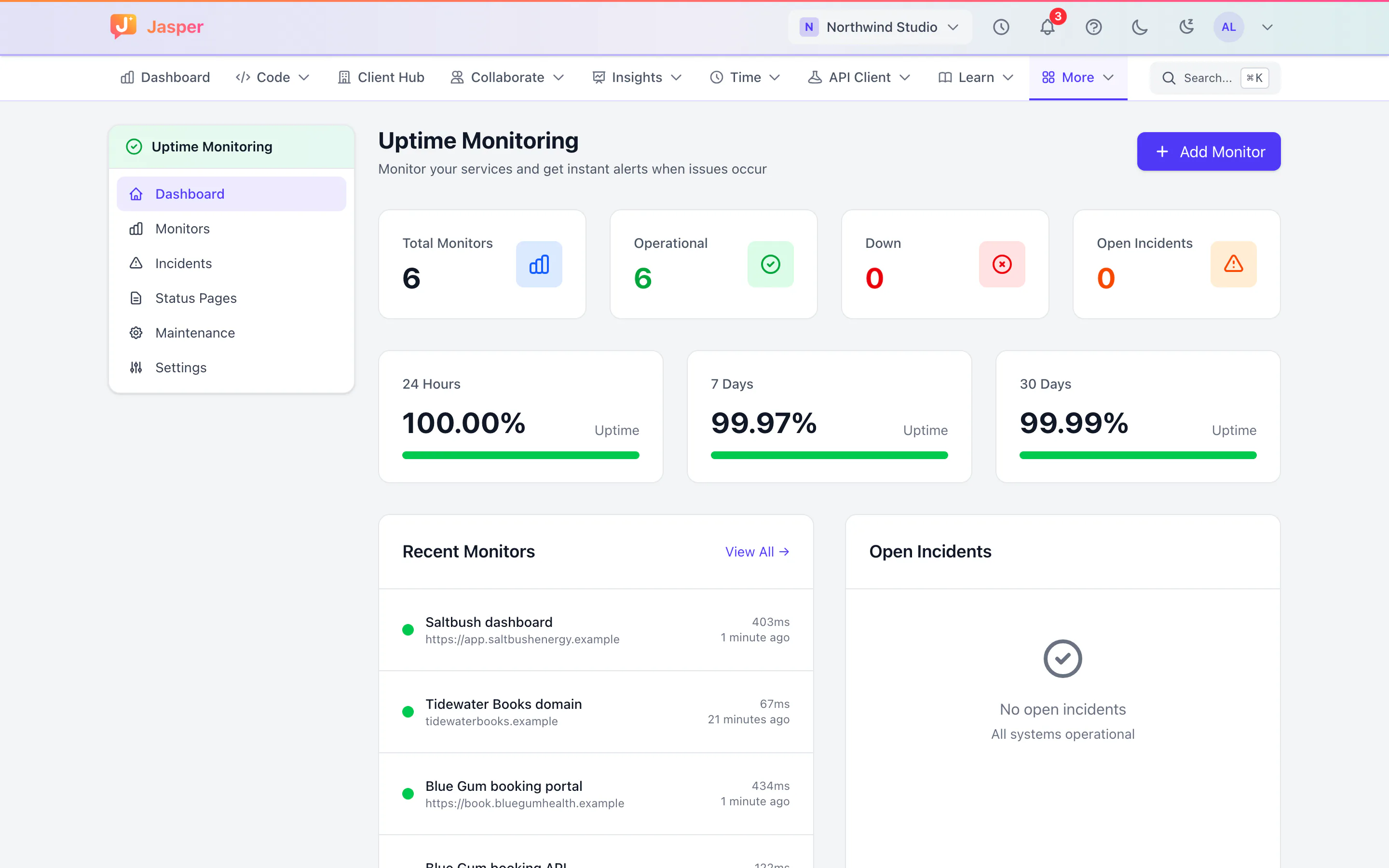
Under a care plan, add the client's site, API and checkout page, a domain expiry monitor, and a heartbeat for their nightly jobs. Alerts reach the on-call developer by email and your team's Slack channel, each outage opens an incident, and you can make a public status page for the monitors you choose. Use the SLA and uptime calculator to turn an uptime target into the downtime it allows. Uptime monitoring is in the Dev app.
A reviewer on every pull request
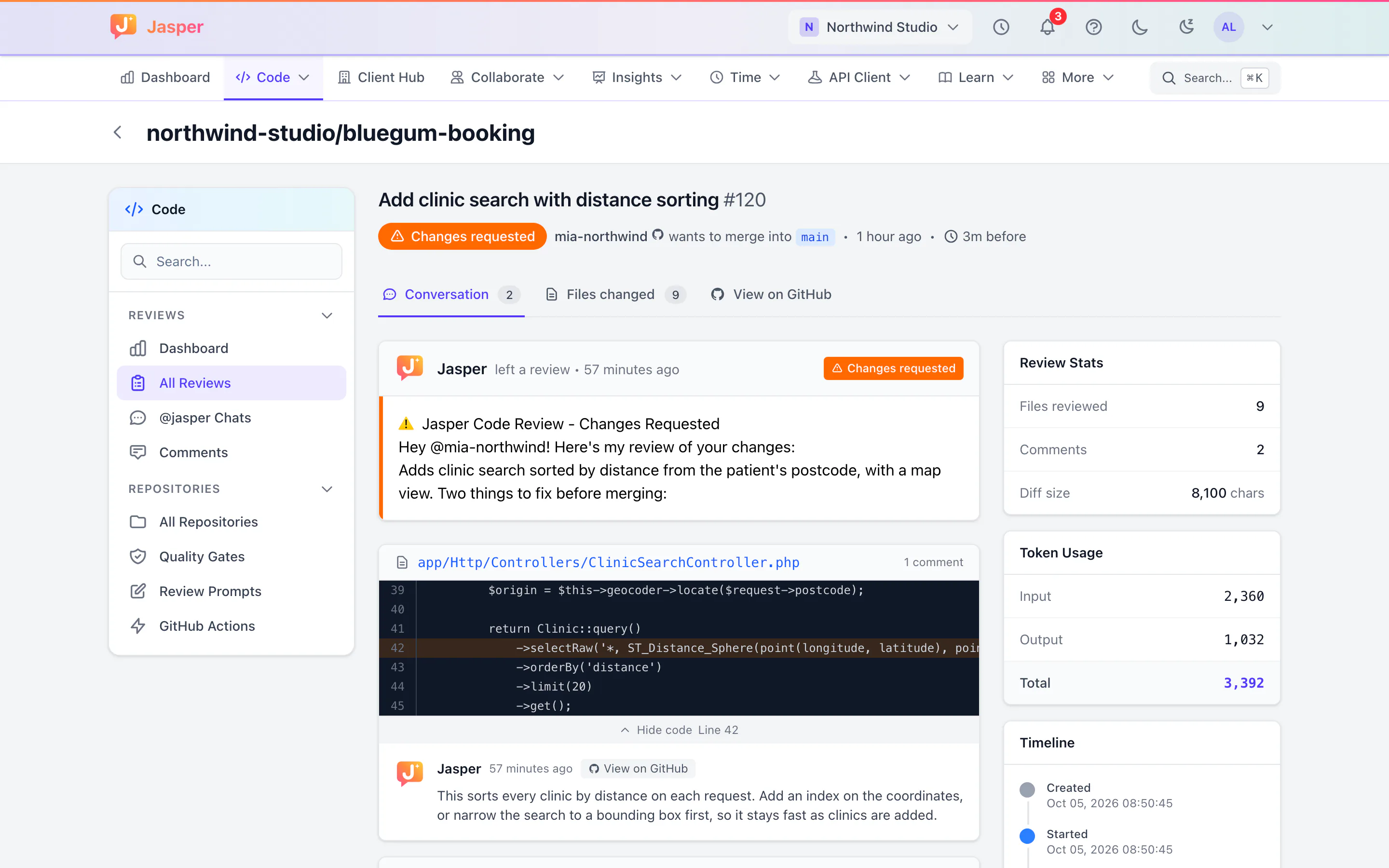
Install the Jasper GitHub App and each pull request gets an AI review from Anthropic's Claude with inline comments, and developers can ask follow-up questions with slash commands such as explain or security. In the Time and Dev apps, a pull request whose title carries the ClickUp task ID is linked to the task. See code review in the glossary.
Testing APIs together
The API client in the desktop app sends requests from your own computer, so localhost and VPN APIs work. Collections live in shared workspaces in the Dev app, Postman collections import, and secrets are encrypted with your keychain.
Time that reaches the invoice
Developers log time against the client and, if you like, a ClickUp task. Approvers check each timesheet, and reports export to CSV or PDF for your invoicing tool.
Where Jasper stops for web agencies
- No invoicing and no CRM. Hours export, and the invoice is made elsewhere.
- Uptime checks run from Jasper's servers in one location, and keyword, port and SSL certificate checks cannot be set up from the monitor form yet.
- Jasper reviews GitHub pull requests only. GitLab and Bitbucket are not supported.
- AI review is a first pass, not a replacement for a developer reading the change.