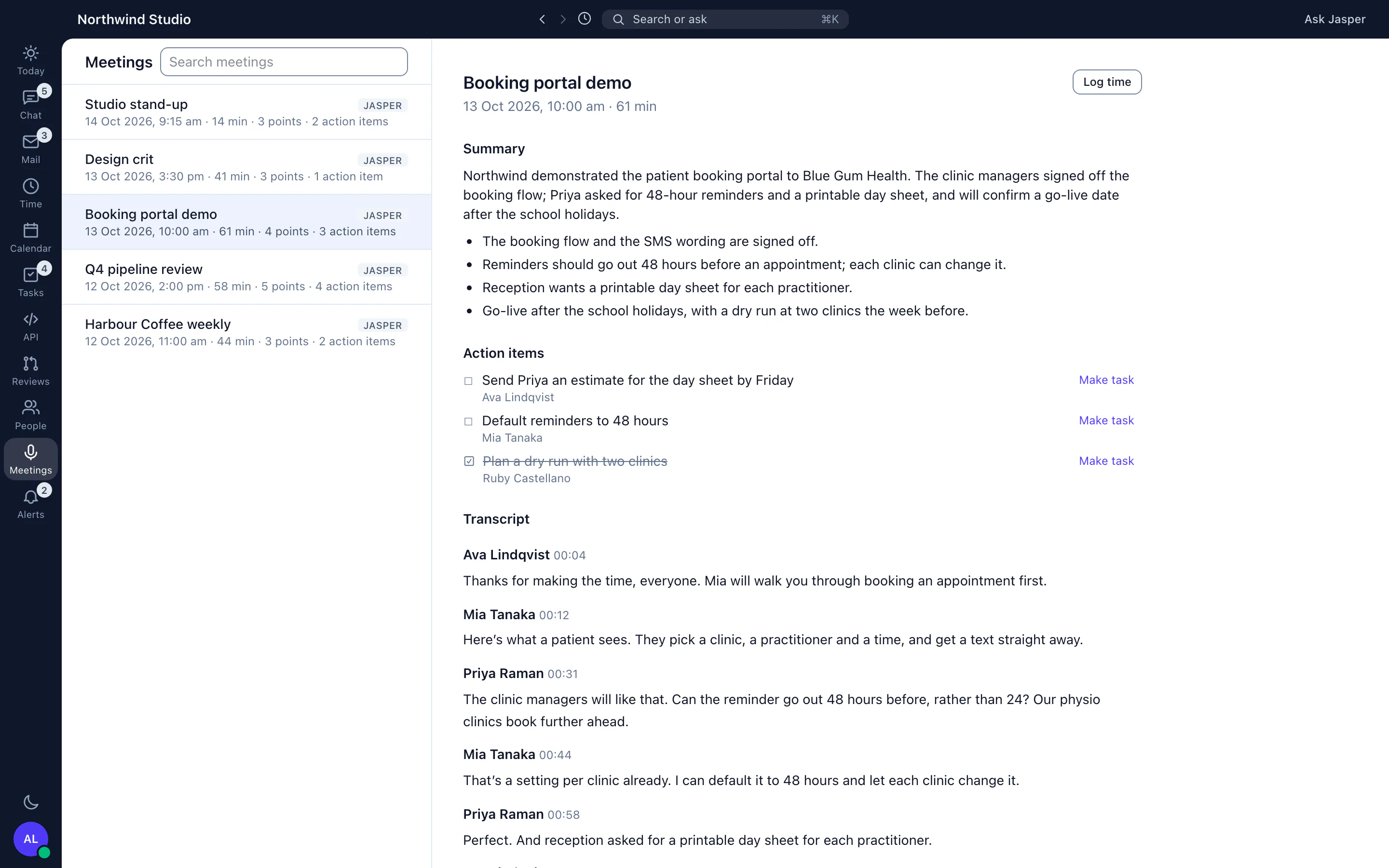
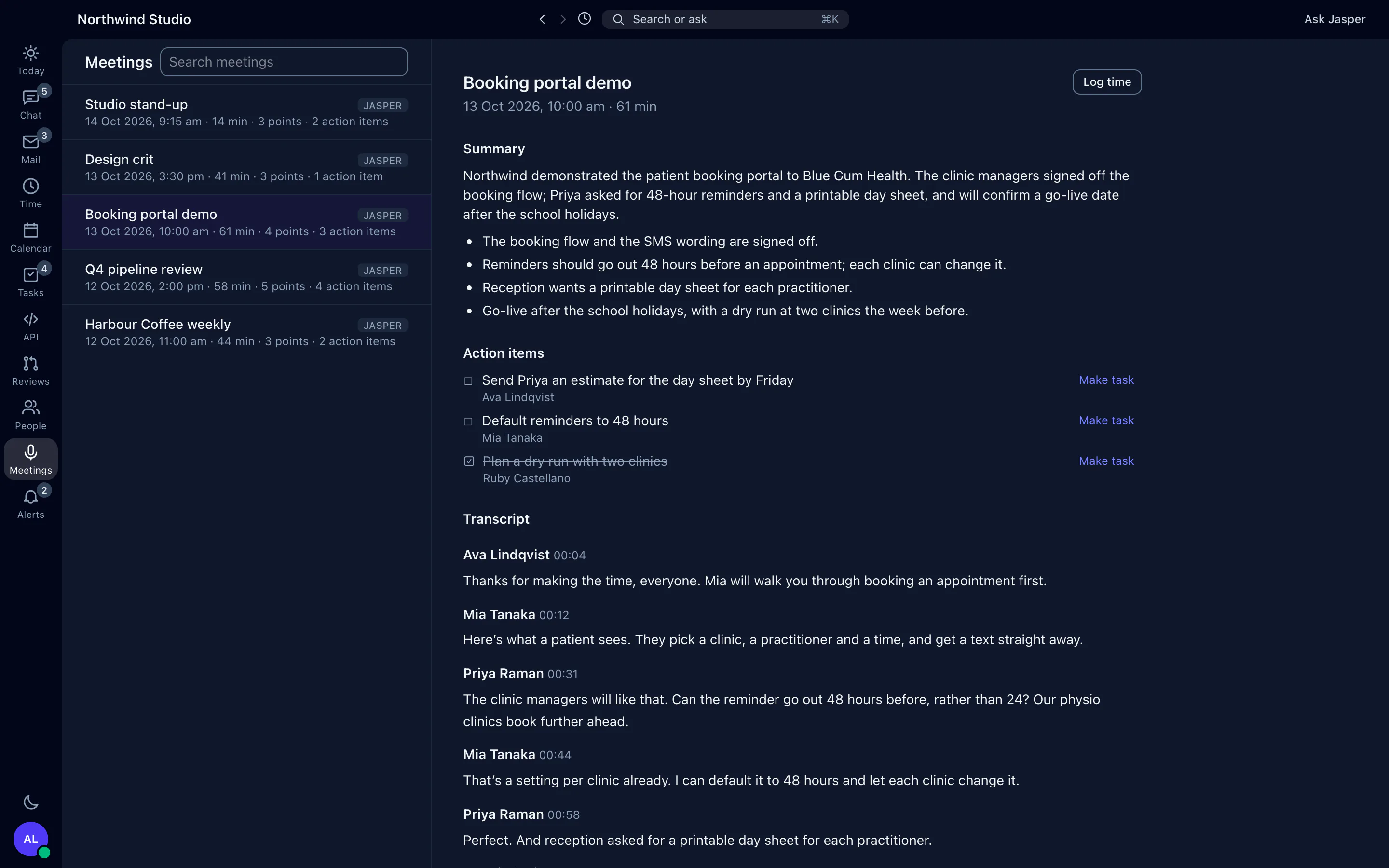
Recording is off by default and has no settings screen yet: an owner chooses a mode through the API, or we set it with you. Today only the mode that records every call and huddle works. Jasper records its own calls and huddles, not Zoom, Google Meet or Microsoft Teams.
The problem it solves
The notes from a client call end up in one person's notebook, the action items get lost, and the time is logged from memory at the end of the week. Jasper turns a recorded call into a transcript, a summary and a list of action items, beside your chat and timer.
Meetings works with the calls your team already has in Jasper Chat. Start a huddle in a client's channel, talk it through, and if your organisation records calls, the notes appear in the desktop app after you hang up.
What it does
Records your calls and huddles
Recording is off by default, and an owner chooses how it works. In the mode that records every call and huddle, recording starts once two people have joined and covers anyone who joins later. No one is asked to agree first: a notice says the call is recorded, on the incoming call card and inside the call or huddle, so tell your team before you turn it on. Two other modes start from a Record button, asking everyone in the call first or starting at once. That button isn't available on Jasper's current calls yet, so those modes don't record today.
Writes a transcript that names each speaker
Each person's audio is recorded and transcribed separately by Amazon Transcribe, so every line of the transcript shows who said it. Recordings shorter than a minute are not transcribed. Where a transcript shows numbered speakers, anyone who was in the meeting can give them names.
Summarises it, with action items
For transcripts of 150 words or more, Anthropic's Claude writes a title, a short summary, key points and action items. Both steps run without anyone asking. Summaries are written in English.
Turns the notes into work
Search across titles, transcripts and summaries. Make a ClickUp task from any action item, and log the meeting's time with its title and length already filled in. Both need team plans.
Brings in Krisp
If your team records other meetings with Krisp, Krisp can send each meeting's transcript, key points and action items to Jasper. They show in the same list with a Krisp badge and a link back to Krisp.
How agencies use it
Client calls without a note-taker
The account manager and a developer huddle in the client's channel to agree a change. Afterwards the action items are in Meetings, and each one becomes a ClickUp task in a click.
Time logged from the meeting itself
Instead of guessing on Friday, log the call's time from its notes: the title and the length are filled in for you.
What it doesn't do yet
- Recording has no settings screen yet. An owner changes it through the API, or we change it with you. Only the mode that records every call and huddle works today.
- Jasper records its own calls and huddles only. It can't record Zoom, Google Meet or Microsoft Teams calls.
- Meetings is in the desktop app only. On the web, owners and admins have a log of calls where they can play and download recordings.
- Meetings doesn't play recordings. Download one from the conversation's recordings in the desktop app.
- You can't share a meeting's notes with people who weren't on the call, or delete a recording from the app.
- Transcription recognises English, Tagalog, Persian and Arabic.
- Krisp has no settings screen. We switch it on for your organisation.
How it connects
Web: Owners and admins have a log of calls, where they can play and download recordings. Transcripts and notes are in the desktop app.
Desktop app (macOS, Windows and Linux): The Meetings list, with transcripts, summaries, key points and action items, search, naming speakers, making ClickUp tasks and logging time.
- Chat: huddles and calls from any channel or direct message in the desktop app.
- Krisp: meetings arrive through Krisp's webhook, with their transcript, key points and action items. We switch it on for your organisation.
- ClickUp: make a task from an action item (team plans).
- Time tracking: log a meeting's time from its notes (team plans).
Plans
Meetings and call recording are in the free plan. Making tasks from action items needs the ClickUp integration, and logging time needs time tracking; both are on team plans. See pricing.