Microsoft 365 and Outlook.com mailboxes are not supported, and signing in with Google is not open to other companies yet. Shared inboxes cannot connect to your own mail server or Google Workspace yet, so they are not available to other companies today.
The problem it solves
Client email lives in one app, the team talks about it in another, and the time spent on it is pieced together at the end of the week. Jasper puts your mail beside your chat and, on team plans, your timer.
For an agency, the inbox is where clients ask for things, approve things and chase things. Jasper Mail puts your own mailboxes in the desktop app next to chat and, on team plans, your timer, synced on Jasper's servers.
What it does
Connect your mailboxes
Add any mailbox you can reach over IMAP and SMTP, using its password or an app password. Gmail, iCloud, Fastmail and Zoho have presets. Jasper checks that the login works before it saves the mailbox, then syncs every folder on its servers and looks for new mail every minute.
Send at the right time
Schedule a message to go out later, for example at the start of a client's working day. Snooze a thread until you need it. If the app is closed when it is due, Jasper still notifies you, and the email moves back to your inbox when you next open the app. Undo send holds each message for 10 seconds by default; you can choose off, 5, 10, 20 or 30 seconds. When you send, ask Jasper to remind you if nobody replies.
Keep the inbox for people
Built-in smart inboxes pull out notifications from GitHub, ClickUp, Jasper and Figma, receipts and invoices (Paper Trail), and anything with an unsubscribe link (Feed), so your main inbox is mostly people. Switch off any you don't want, and add your own inboxes that match on sender or subject. Label rules colour-code mail by sender, subject, attachment, newsletter or client.
Needs reply, Reply later, VIPs and a Screener (off until you turn it on) help with the rest. Templates, a signature per mailbox and keyboard shortcuts are built in.
Bring the team in
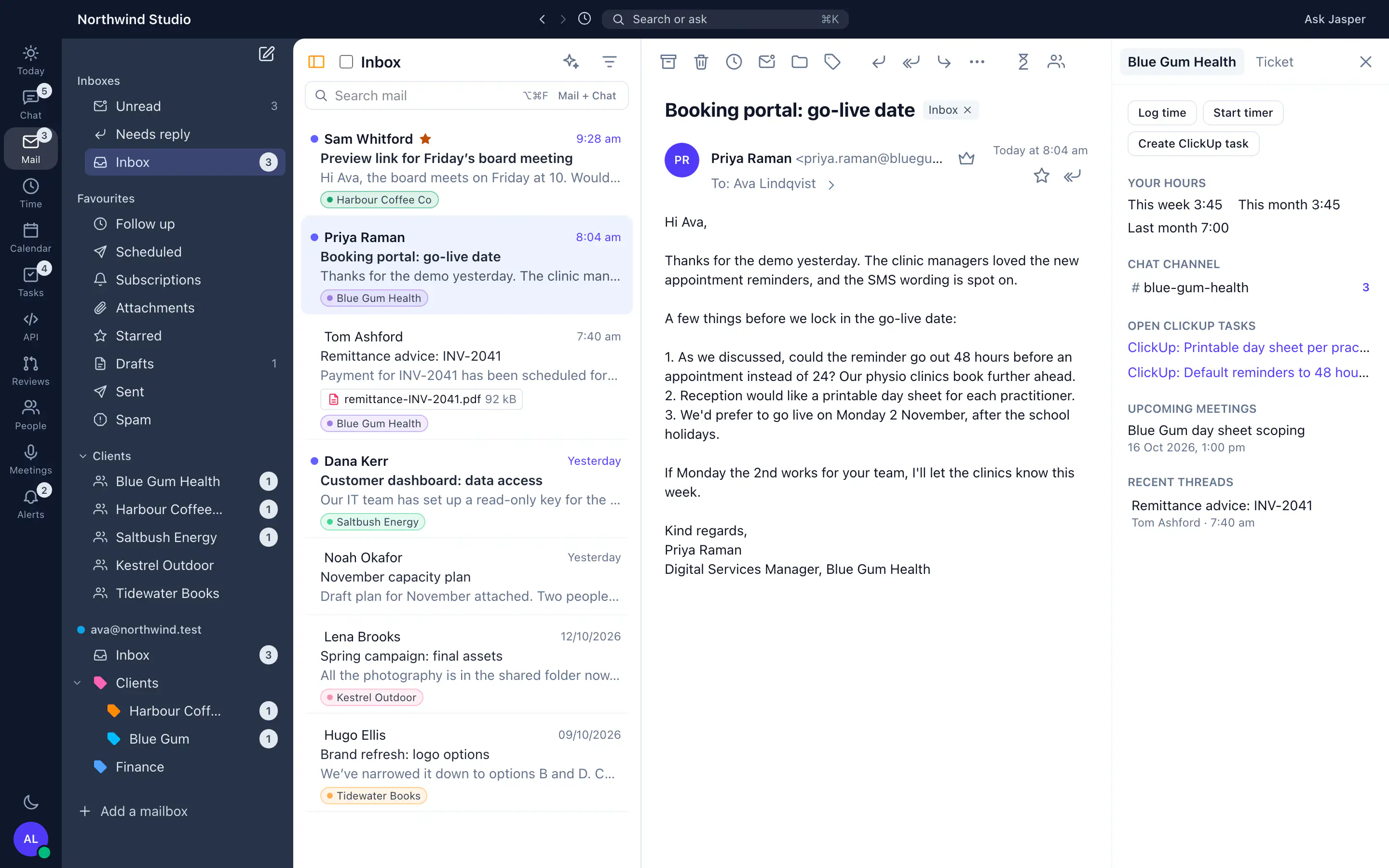
Discuss with team posts a card for an email, with its subject, sender and a snippet, into a chat channel. The conversation about the email happens in Jasper, not in a chain of forwards.
Client folders (team plans)
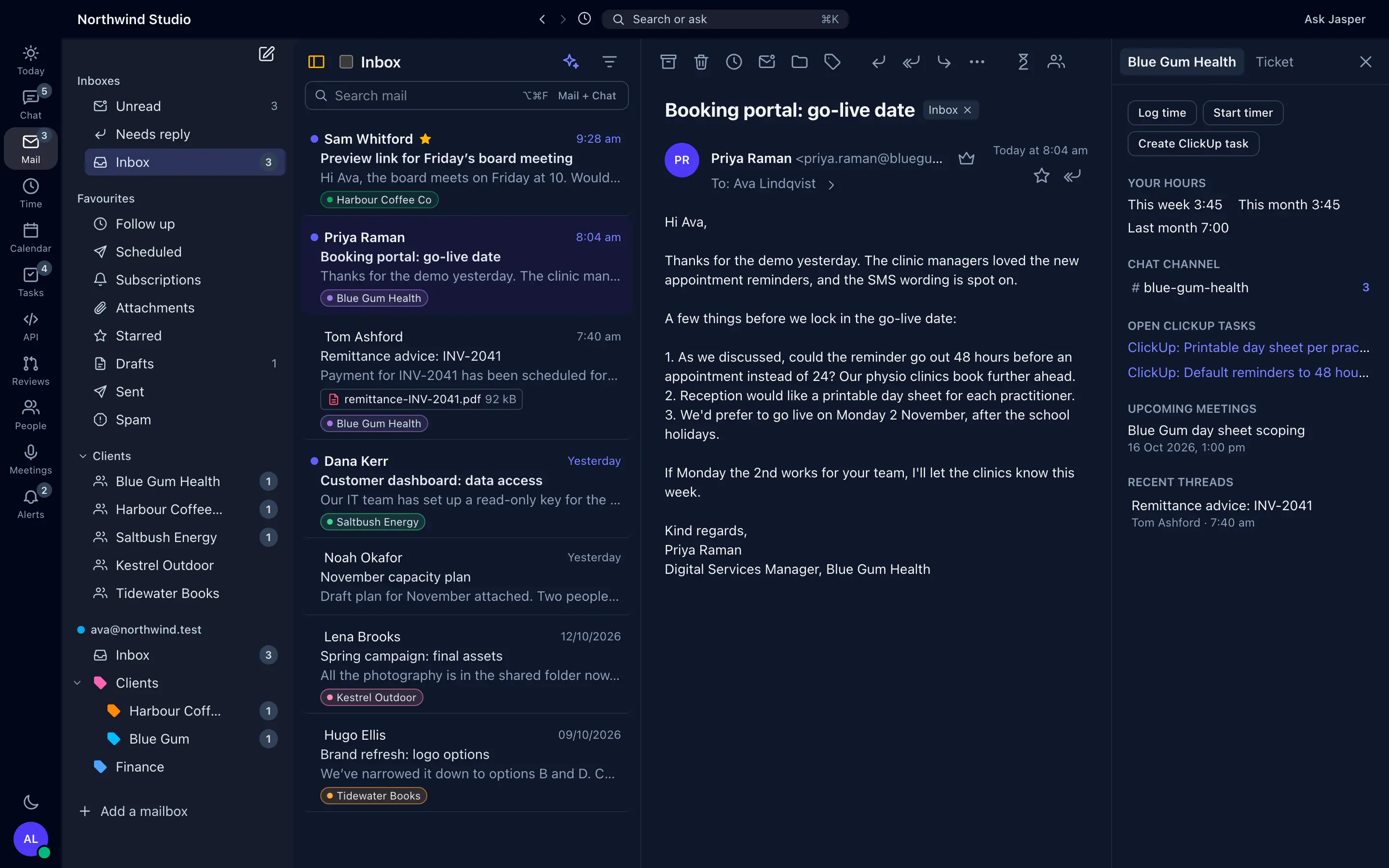
With time tracking on, an admin gives each client its email domains, and mail from those domains files into a folder for that client. Beside the email you see your own hours on that client this week, this month and last month, and the client's chat channel. With ClickUp connected, you also see open tasks from the ClickUp lists linked to the client's projects. You can log time, start a timer or draft a ClickUp ticket from the email.
AI writing help
Ask Anthropic's Claude to draft a reply, or to rewrite a message to be shorter, longer, friendlier, more formal or clearer. It can also fix the grammar, or summarise a long thread with its action items. Drafts can be written in English, Filipino, Persian or Arabic. Each person can use AI help up to 150 times a day.
Some AI runs without anyone asking. "Write in my style" is on by default. The first time you use an AI draft or reply suggestion, and about once a week after that, Jasper sends up to 40 of your recent chat messages and 10 of your sent emails from the last 90 days to Claude, to learn how you write. You can switch it off, which deletes what it learned. The first time you open the Today page each workday, Jasper also sends Claude the subjects and senders of mail waiting for your reply and of notification mail in your smart inboxes, with your recent chat, tasks and meetings, for a daily note.
Contacts from your mail
Jasper builds a contact list from the people your team writes to and who write to them, leaving out bulk mail, automated senders and your own domains. For a client's contacts it shows which colleagues talk to them and when, as a count and a date, never the content. It flags a client as going quiet after three weeks without email. Each person can hide their mailbox from this. Matching contacts to clients needs time tracking.
How agencies use it
An account manager's morning
Client mail has filed into each client's folder, and GitHub and ClickUp notifications sit in their own inboxes. The account manager answers a client, starts a timer from the email, and schedules the follow-up to arrive in the client's morning. Client folders and the timer are on team plans.
A request that needs the team
A client asks for a change in scope. The account manager posts the email in the project channel with Discuss with team, the lead replies in a thread, and the account manager drafts the answer with AI help.
Nothing slips while you are away
Before a week of leave, a team member snoozes threads until they are back, and turns on a reminder for the client emails they send that week in case nobody replies. Scheduled mail goes out from the server while the laptop stays closed.
What it doesn't do yet
- No Microsoft 365 or Outlook.com mailboxes. Microsoft has turned off app passwords for Outlook.com, and Jasper doesn't have Microsoft sign-in.
- Signing in with Google isn't open to other companies, so Gmail and Google Workspace connect with an app password. Gmail labels show as folders, but adding labels from Jasper, send-as aliases, Gmail signatures and Ask your inbox need Google sign-in, so they aren't available to you yet.
- Shared inboxes aren't open to other companies. They can't connect to your own mail server or Google Workspace yet.
- No mail in the browser and no mobile app. Mail is in the desktop app only.
- Your own smart inboxes match on sender and subject only. There are no rules by project.
- The client panel shows your own hours on a client, not the team's total.
- Jasper keeps its copy of synced mail until a retention period is set for your organisation, and there is no settings screen for that yet. Deleting mail in your mailbox, or removing the mailbox from Jasper, doesn't delete Jasper's copy.
- If a scheduled message fails to send, Jasper doesn't try again.
- Messages you schedule with send later are limited to about 5 MB.
How it connects
Web: Not in the web app.
Desktop app (macOS, Windows and Linux): Mail is in the desktop app for macOS, Windows and Linux.
- Any IMAP and SMTP mailbox, with a password or an app password.
- Time tracking and ClickUp: client folders, logging time and ticket drafts (team plans).
- MCP server: your own AI assistant can read your mail, if you switch that on.
Plans
Personal mailboxes and AI writing help are in the free plan. Client folders need time tracking, which is on team plans. See pricing.