The problem it solves
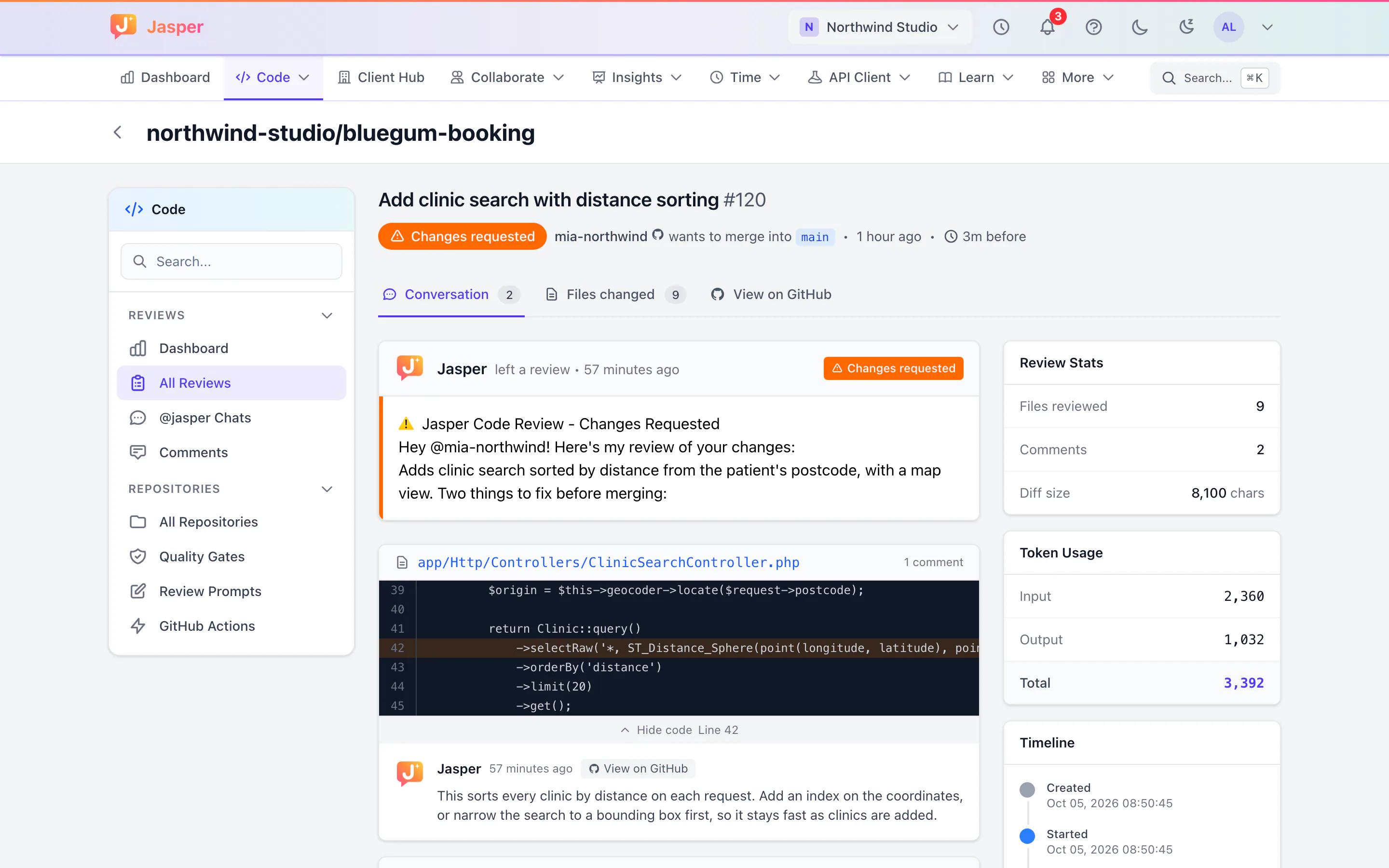
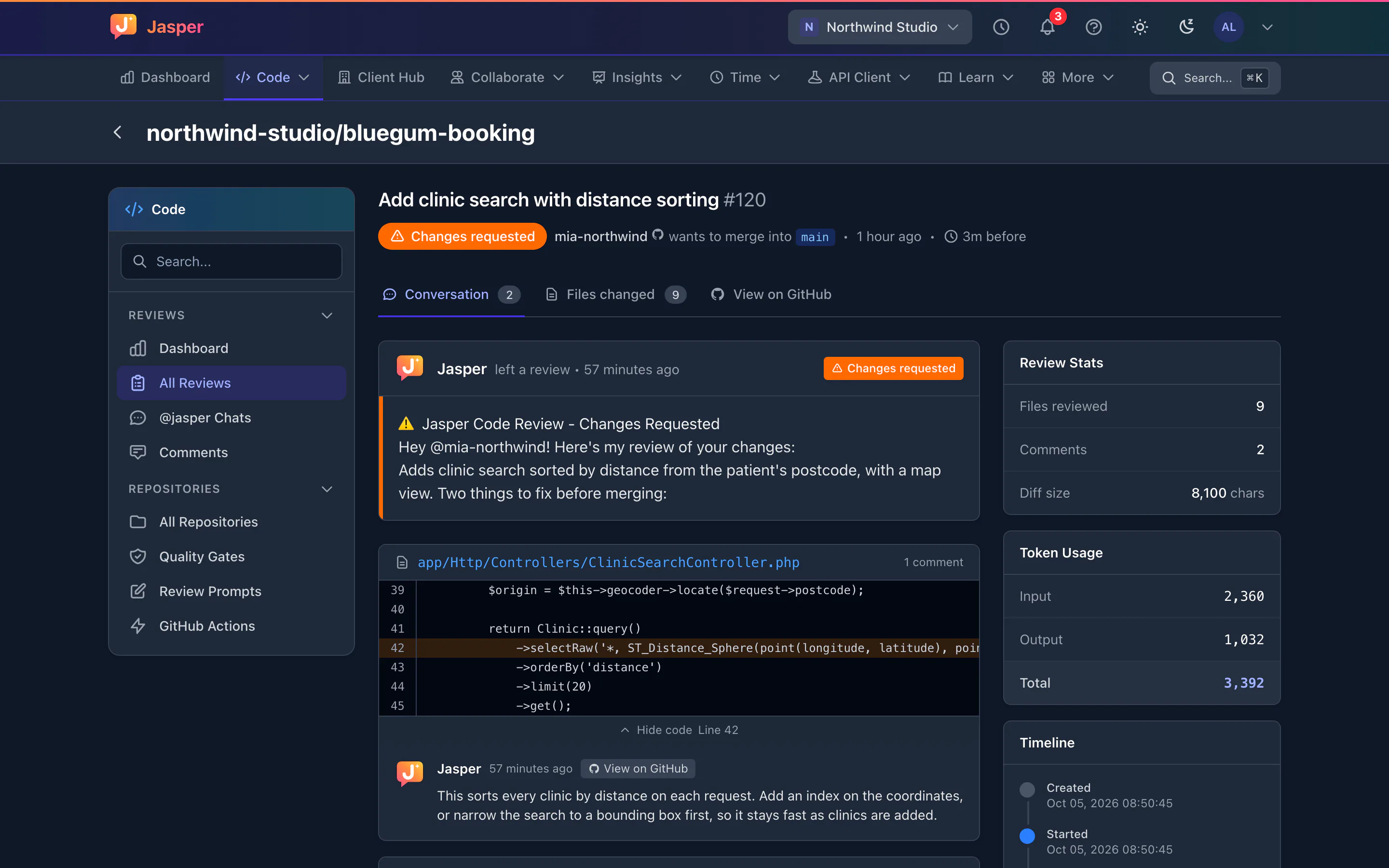
Pull requests wait hours for a first look, and reviewers spend that look on things a machine could catch. Jasper gives each pull request a first review automatically, so your developers can focus on the design.
Agencies feel this more than most teams. You work across many client repositories, seniors are spread thin, and juniors wait for feedback. A first review that arrives by itself catches the obvious problems early and leaves the senior's review for design and intent.
Jasper's reviews run on Anthropic's Claude. Claude reads the changes and, where it needs context, other files in the repository, then Jasper posts a summary and inline comments on GitHub.
What it does
Reviews on pull requests
Install the Jasper GitHub App and choose all repositories or only some. Jasper reviews a pull request when it opens and again when new commits are pushed, and posts a summary and inline comments with suggested fixes. A push within 5 minutes of a finished review is skipped, and you can turn automatic reviews off for a repository.
So the AI can read the files around a change, Jasper keeps a copy of the default branch of each repository it has reviewed. The copy is deleted when you remove the repository from the app or uninstall it.
Follow-up questions
Comment /jasper or @jasper followed by explain, improve, security, docs, summary, review or help, and Jasper replies on the pull request. You can also ask in your own words, such as "@jasper explain this function".
Your rules, per repository
Give each repository its own review instructions, added to Jasper's default prompt or used in place of it. Jasper also follows the repository's AGENTS.md once you load it from the repository's settings, so house rules you already keep for AI tools carry over.
Checks before merging
On team plans, a quality gate posts a pass or fail check, called Jasper Quality Gate, on each reviewed pull request. It blocks a merge once you make that check required in the branch's protection rules. You can manage branch protection and rulesets for each repository from Jasper, or describe what you want and let the AI draft the rules.
You can also add a deployment rules check, such as release windows, to your pull requests.
A security check on every reviewed push
On every reviewed push, Jasper checks the pull request's build and script files for malicious code and posts a supply-chain security check. If it finds malicious code, Jasper requests changes instead of reviewing.
ClickUp links (team plans)
Map the repository to ClickUp in Jasper, then put CU- and the ClickUp task ID in a pull request title, and Jasper links the pull request to the task and posts its review summary there. The project manager sees the outcome on the ticket.
Start a review from your own tools
The REST API can start a review, for example from your build pipeline.
How agencies use it
A first pass on every client repository
Install the app on the agency's GitHub organisation and pick the client repositories. Each pull request gets a review before a senior looks, and each repository's instructions keep the review in line with that client's conventions.
Juniors unblock themselves
A junior developer comments "/jasper explain" on a part of the change they don't follow, or "/jasper security" before asking for a human review.
From ticket to merge
With ClickUp connected and the repository mapped to it, a pull request whose title carries the task ID shows its review summary on the client's ticket. With the quality gate set as a required check, a pull request that fails it can't merge.
What it doesn't do yet
- GitHub only. No GitLab, Bitbucket or Azure DevOps.
- Jasper can't commit to your repositories, so it can't apply a suggested fix for you. Copy the suggestion into your branch.
- Every workspace gets 250 free AI credits a month. Each reviewed push uses some, more for a bigger change, and so does each reply to an @jasper comment. Talk to us for more.
- A review is skipped when there aren't enough AI credits left, when automatic reviews are off for the repository, or for a push within 5 minutes of a finished review. How long a review takes depends on the queue, so we don't promise a time.
- The ClickUp check that pull request titles carry a task ID isn't working at the moment. Jasper also doesn't change a task's status when a pull request opens or merges.
- Jasper can't send review events to your own webhook endpoints yet. Use the API instead.
- It isn't a static analyser. There is no rule engine to audit line by line, no test coverage tracking, and it doesn't write tests.
- No editor extension or command-line tool. Reviews happen on GitHub pull requests.
How it connects
Web: Review history, prompts and settings. Reviews themselves appear on GitHub.
Desktop app (macOS, Windows and Linux): See the reviews of pull requests you opened, with their summary and findings.
- GitHub App: reviews, inline comments, slash commands, check runs and branch protection.
- ClickUp: link pull requests to tasks from the task ID in the title (team plans).
- Chat: GitHub pull request, issue and commit links show a card, with checks for pull requests and commits.
- REST API: start a review from your own tools.
Integration pages: GitHub, ClickUp, Sentry, Webhooks and API
Plans
Every workspace gets 250 free AI credits a month for reviews. Quality gates, branch protection and ClickUp are on team plans. Talk to us if your team needs more. See pricing.