The problem it solves
Agencies look after dozens of client sites and usually hear about an outage from the client. Jasper watches them for you and tells the right people first.
A maintenance retainer is a promise that you will know when something breaks. Without monitoring, the first alert is often the client's email, and the first question is why you didn't know. SSL certificates and domains expire on dates everyone forgot, and a scheduled job that quietly stops can go unnoticed for weeks.
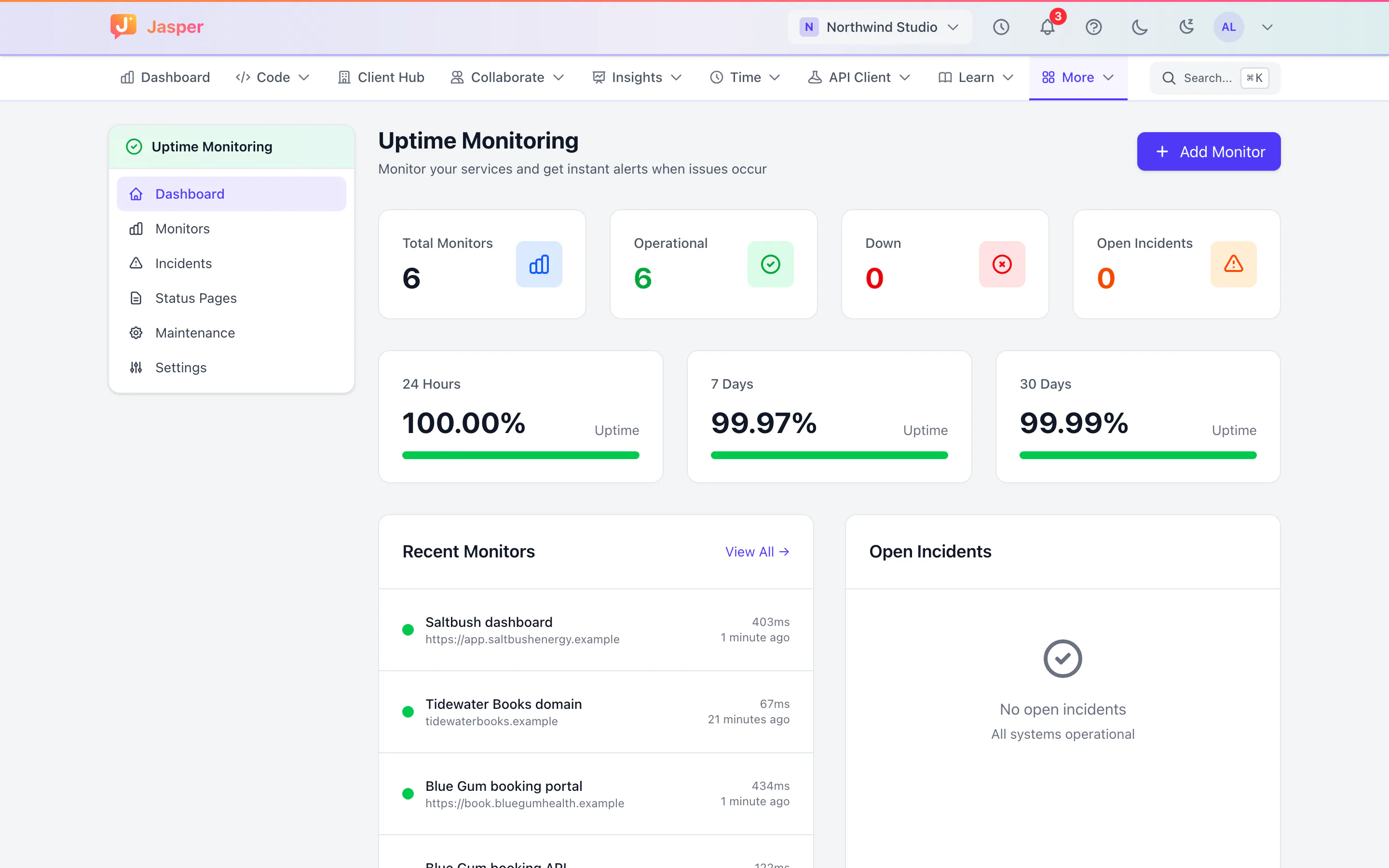
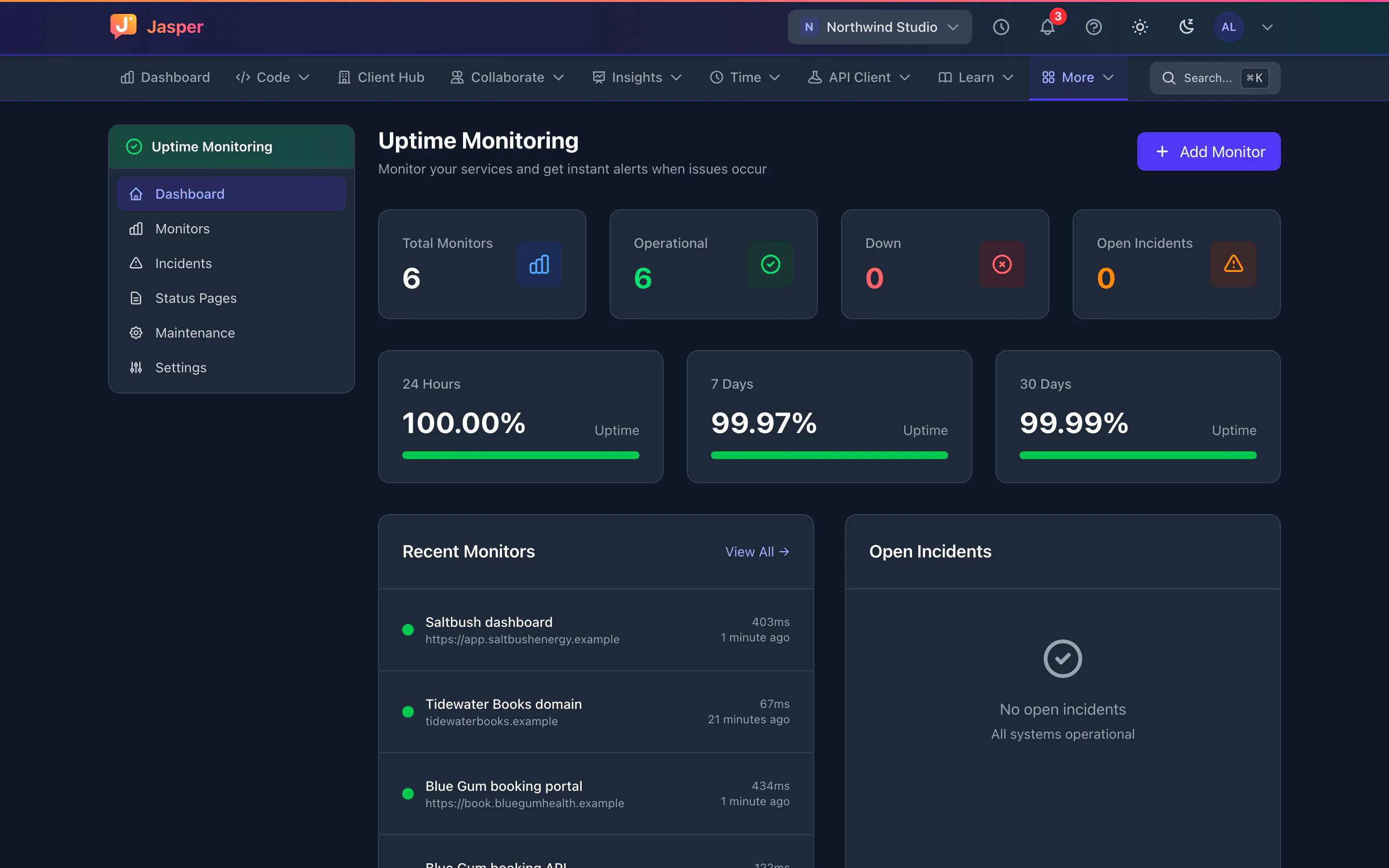
Jasper's uptime monitoring checks the sites and services you look after, alerts the right people and opens an incident for each outage. Because it sits in the same workspace as your clients and your team, the person who gets the alert can find the client's notes in the wiki and talk it through in the client's channel.
What it does
Checks for sites, servers and scheduled jobs
- HTTP: is the site or API answering with the status you expect?
- Ping: is the server up?
- DNS: does the hostname still resolve?
- Domain expiry: an alert when the registration has 30 days or less left.
- Response time: is it slower than it should be?
- Heartbeat: your scheduled jobs check in with Jasper, and you hear when one stops.
Checks run every 1 to 30 minutes. Which checks, how often, and how many monitors you get depend on your plan.
When you hear about it
By default, Jasper alerts you on the first failed check, and you can ask for more failed checks in a row before an alert goes out. With checks every minute, Jasper resolves the incident when the site recovers and sends a recovery alert.
Alerts
Alerts go to Jasper's notifications, by email if you turn it on for the monitor, and to a Slack channel or your own webhook if you add one. You hear when a monitor goes down, is degraded or recovers.
Incidents and pausing
Each outage opens an incident, so you can see when it started. Pause a monitor while you work on a site, and resume it later.
How agencies use it
Everything under a care plan
When a client signs a maintenance retainer, add their site, their API and their checkout page, a domain monitor, and a heartbeat for their nightly jobs. Alerts go to the on-call developer by email and to the agency's Slack channel.
Release night
Before a client release, pause the monitors that will go down during the release, and resume them when it is done.
The monthly client report
Use the incident history in the client's monthly report. Our SLA and uptime calculator turns an uptime target into the downtime it allows.
What it doesn't do yet
- Checks run from Jasper's own servers in one location, so failures aren't confirmed from several regions.
- No text messages, phone calls, PagerDuty or Opsgenie. Alerts are email, Jasper notifications, a Slack webhook and your own webhook.
- No status pages for clients yet, and maintenance windows don't work yet, so they can't silence alerts. Pause a monitor if you don't want alerts while you work on it.
- Keyword, port and SSL certificate checks can't be set up from the monitor form yet.
- With checks every 5 minutes or more, incidents don't resolve on their own and no recovery alert is sent. Posting updates on an incident doesn't work yet.
- Alerts to Slack and your own webhook are sent once and aren't retried. A monitor's choices of which alerts to send are ignored for now: every alert type goes to every channel you set up.
- Monitors are managed in the web app. There is no mobile app.
How it connects
Web: Monitors, alerts and incidents.
Desktop app (macOS, Windows and Linux): Not in the desktop app.
- Email and Jasper notifications.
- Slack incoming webhooks.
- Your own webhook, which receives each alert as JSON.
Integration pages: Slack alerts
Plans
Uptime monitoring is on team plans. The check types, check intervals and number of monitors depend on your plan. See pricing or talk to us.