Calendar sync is not open to other companies yet. You cannot connect Google, Microsoft 365, iCloud or other calendars today.
The problem it solves
Knowing who is around means checking a roster, a leave spreadsheet and a chat thread. On the web, Jasper keeps the team's work schedules and leave in one workspace, beside the timesheets they affect.
For an agency the hard question is rarely "when is my next meeting". It is "who can pick this up on Thursday" and "is anyone away the week we launch". The parts of Jasper that answer those questions today are on the web, on team plans: a team calendar of work schedules, and a team leave timeline.
The desktop calendar is built, but connecting your own calendars to it isn't open to other companies yet. This page says plainly what works for your team today and what is waiting on calendar sync.
What it does
Plan who works when (web, team plans)
Owners and admins, or anyone you give the team calendar permission, add each person's shifts to the team calendar: a date, a start and end time, a type (regular, overtime, on-call, PTO, sick or holiday), an optional project and a note. Jasper refuses a shift that overlaps one the person already has. A weekly view shows the whole team at once.
See who is away (web, team plans)
The team leave timeline shows approved and pending leave, and each group's public holidays, by day, week or month. Filter it by group or status, or search for a person. Export the leave on it to CSV, or to an iCal file you can add to another calendar.
Status follows leave
When someone is on approved leave, their chat status shows it, so colleagues know before they send a message.
The desktop calendar
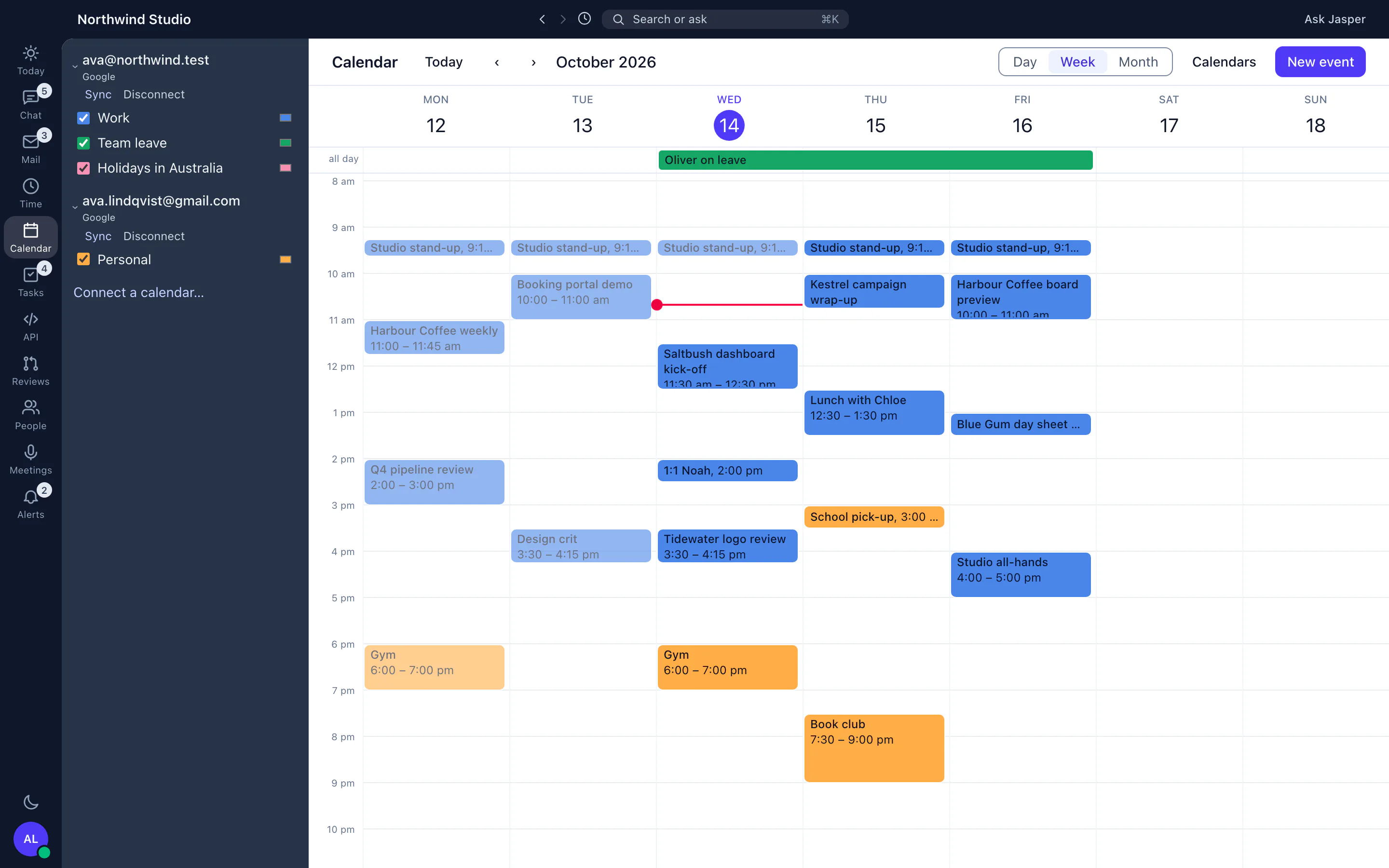
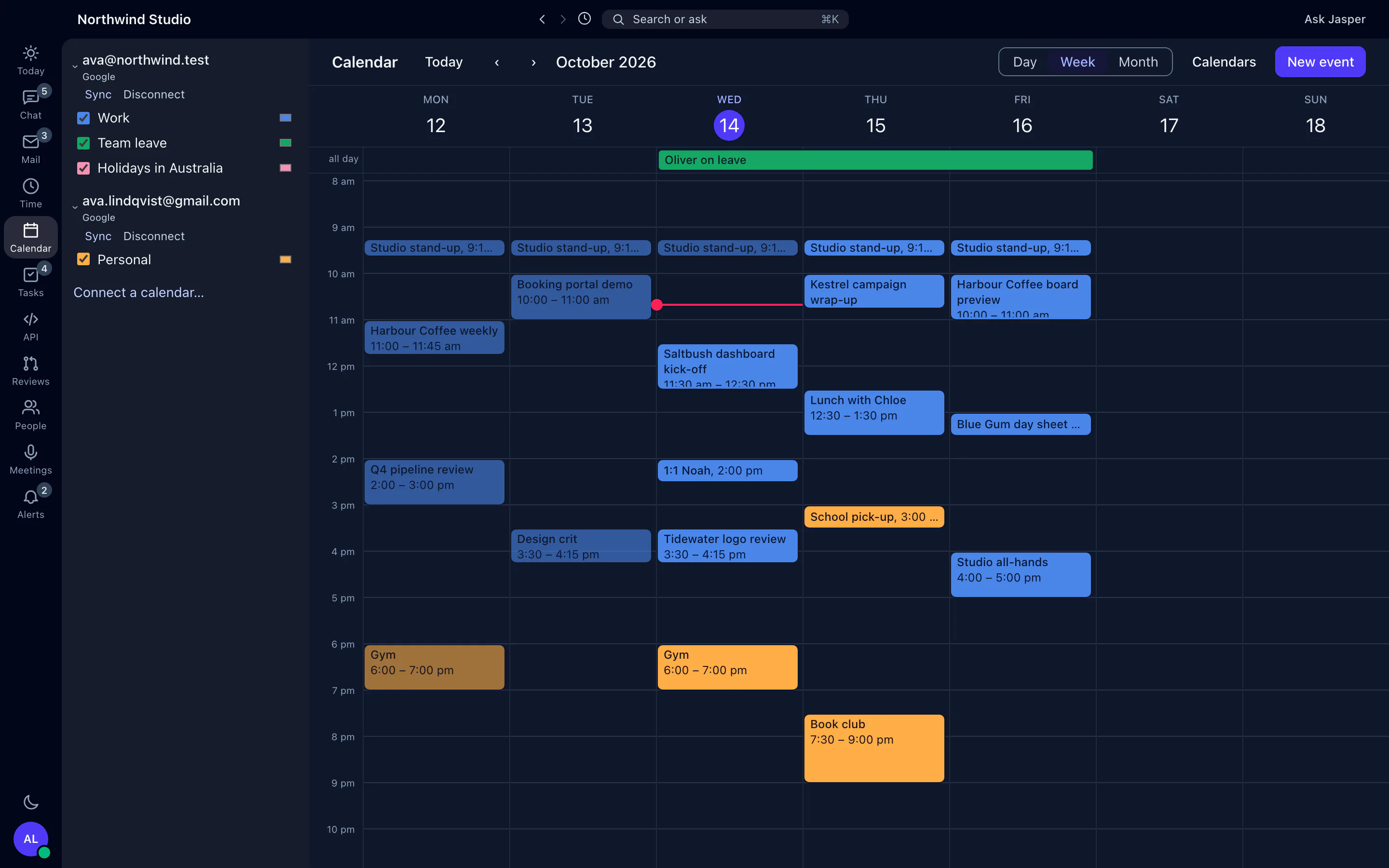
In the desktop app the calendar sits beside your mail and chat, with day, week and month views. You can turn each calendar on or off, or show only one. If your workspace uses Jasper leave, your own approved leave shows in it.
Once a calendar is connected, the desktop app can also:
- create, edit and delete events, move them by dragging, and reply to invitations;
- show a one-click Join for Google Meet, Zoom, Microsoft Teams, Webex and Whereby links;
- show a prep card before a meeting, with the attendees, their client and your recent emails with them;
- start a timer or log time for a meeting.
All of these need calendar sync, which isn't open to other companies yet.
How agencies use it
Planning next week's delivery
On Thursday the delivery lead opens next week on the leave timeline and sees two people away and a public holiday in one office. They add shifts on the team calendar so the client launch has cover. Our capacity planning guide and leave-aware capacity planner walk through the sums.
Before a launch date is agreed
An account manager filters the leave timeline to the project team's group for the launch month, including pending requests, and exports it to CSV for the project plan before agreeing a date with the client.
Support cover
A support lead adds on-call shifts to the team calendar for the agency's maintenance clients, so everyone can see who is covering each day.
What it doesn't do yet
- You can't connect Google Calendar, Microsoft 365, Outlook, iCloud or any other calendar yet. Calendar sync isn't open to other companies.
- So for now, the desktop calendar shows only your own approved leave. Creating events, invitations, Join links and meeting prep all need calendar sync.
- No booking links, and no find-a-time or free and busy view across colleagues.
- No personal calendar in the browser. It is in the desktop app.
- Work schedules and leave are on two separate pages. Schedules are typed in by hand and don't pick up approved leave.
- The leave timeline exports an iCal file, not a live feed, so it doesn't update in other calendars by itself.
- No mobile app.
How it connects
Web: Team work schedules and the leave timeline (team plans).
Desktop app (macOS, Windows and Linux): Day, week and month views. Event editing and invitations need calendar sync, which is not open to other companies yet.
- Leave: approved and pending leave and public holidays on the team timeline, and your own approved leave in the desktop calendar.
- CSV and iCal exports of the leave on the timeline.
- Chat: statuses show when someone is on leave.
Plans
The desktop calendar is in the free plan, but it needs calendar sync, which is not open to other companies yet. The team calendar and the leave timeline need time tracking, which is on team plans. See pricing.