Tasks works with ClickUp today. Jasper's own task lists, with list and board views, are being trialled by our own team and are not open to other companies yet.
The problem it solves
Task updates arrive as a stream of notifications and emails, the conversation about the work happens in chat, and the timer lives in another app. Jasper brings your tasks into the desktop app your team already has open for chat and mail.
Tasks works with ClickUp. Your tasks stay in ClickUp, and the changes you make in Jasper are made there as you, so the rest of your team can keep working in ClickUp while you work in Jasper.
What it does
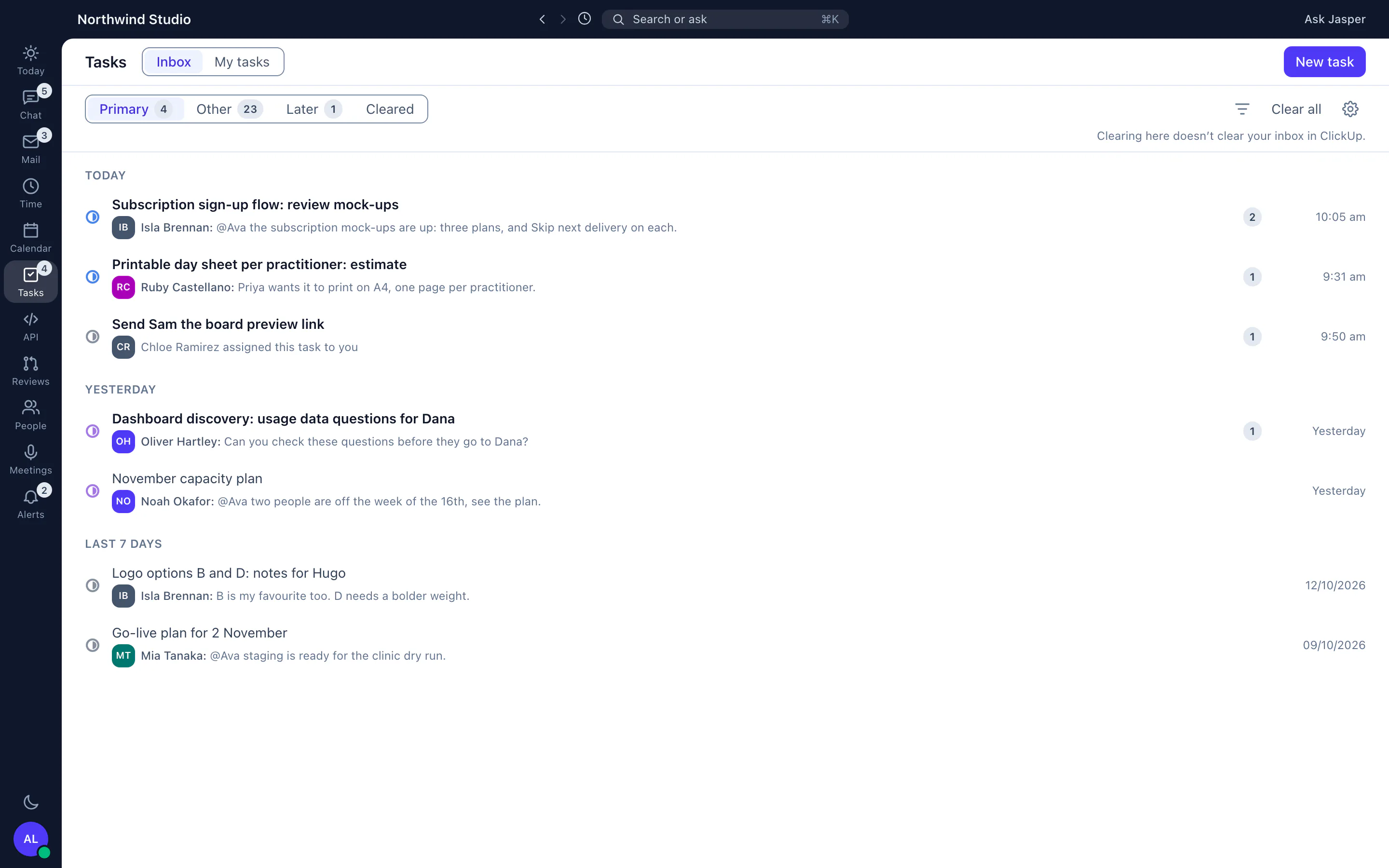
One inbox for task updates
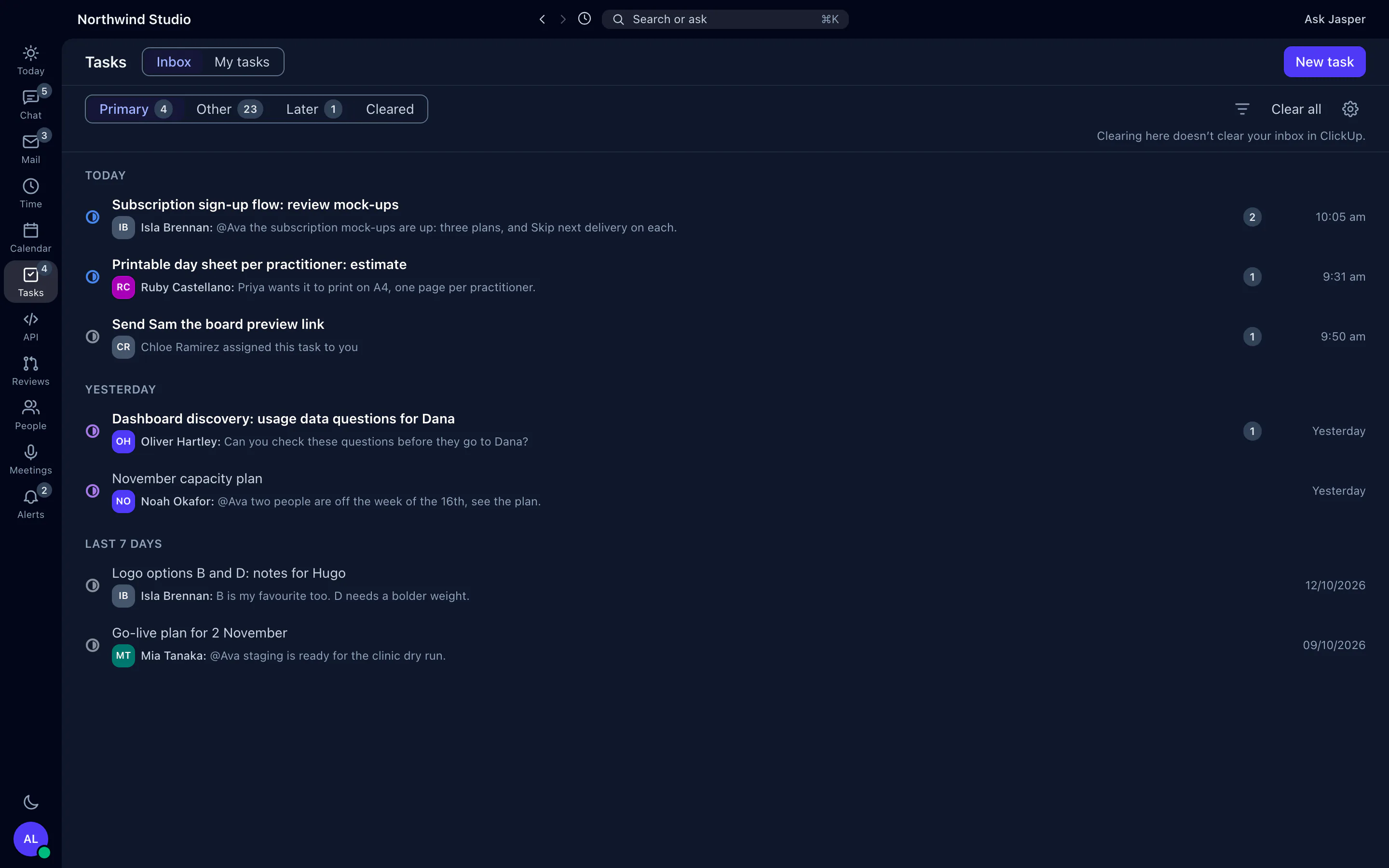
Jasper builds an inbox from your ClickUp updates. Mentions, replies, assignments and comments assigned to you land in Primary, with other activity on tasks you follow in Other. Snooze an item to Later, or clear it. Clearing in Jasper doesn't clear ClickUp's own inbox. The Tasks icon in the sidebar counts what is unread in Primary.
My tasks
See every task assigned to you, grouped by status or by due date, and filter by space, status type or due date. Create a new task from the same screen.
A task panel with everything on it
Open a task to change its name, status, assignees, dates, priority, estimate, tags, custom fields, checklists and linked tasks. Comment, reply, react, @mention, assign and resolve comments, upload files of up to 8 MB, and follow the task's activity as it happens.
Time on the task
On team plans with time tracking, start the timer from the task panel, so the hours are logged against the work.
How agencies use it
Mornings without the notification backlog
A developer opens the desktop app, works through the Primary tab of the inbox, snoozes what can wait, and starts the timer on the first task of the day without opening ClickUp.
From meeting to task
After a recorded client call, each action item in Meetings becomes a ClickUp task in a click.
What it doesn't do yet
- Tasks needs ClickUp. Jasper's own task lists, with list and board views, are being trialled by our own team and are not open to other companies yet.
- Tasks is in the desktop app only, not in the browser.
- Spaces, lists and statuses are set up in ClickUp, and some custom field types can only be edited there.
- Attachments can't be deleted from Jasper, because ClickUp's API doesn't allow it.
- Each person connects with their own personal ClickUp API token.
How it connects
Web: Not in the web app.
Desktop app (macOS, Windows and Linux): My tasks, the task inbox, the task panel with comments, files and activity, creating tasks and the timer.
- ClickUp: your tasks, task updates, comments and files, through your own ClickUp API token (team plans).
- Time tracking: start a timer from a task (team plans).
- Meetings: make a ClickUp task from a meeting's action item.
- Chat: ClickUp task links show the task to people who can open it.
Integration pages: ClickUp
Plans
Tasks works with the ClickUp integration, which is on team plans. Each person connects their own ClickUp account with a personal API token. See pricing or talk to us.