A design agency sells creative hours, and creative hours are the hardest to see: a logo that takes a day of thinking and ten minutes of drawing, a brand project that quietly grows through four rounds of feedback. The three questions that decide whether the studio makes money are whether each project is on budget, whether the team is busy but not overloaded, and whether big files and feedback are easy to find.
Workflows design agencies run in Jasper
Time against the project phase
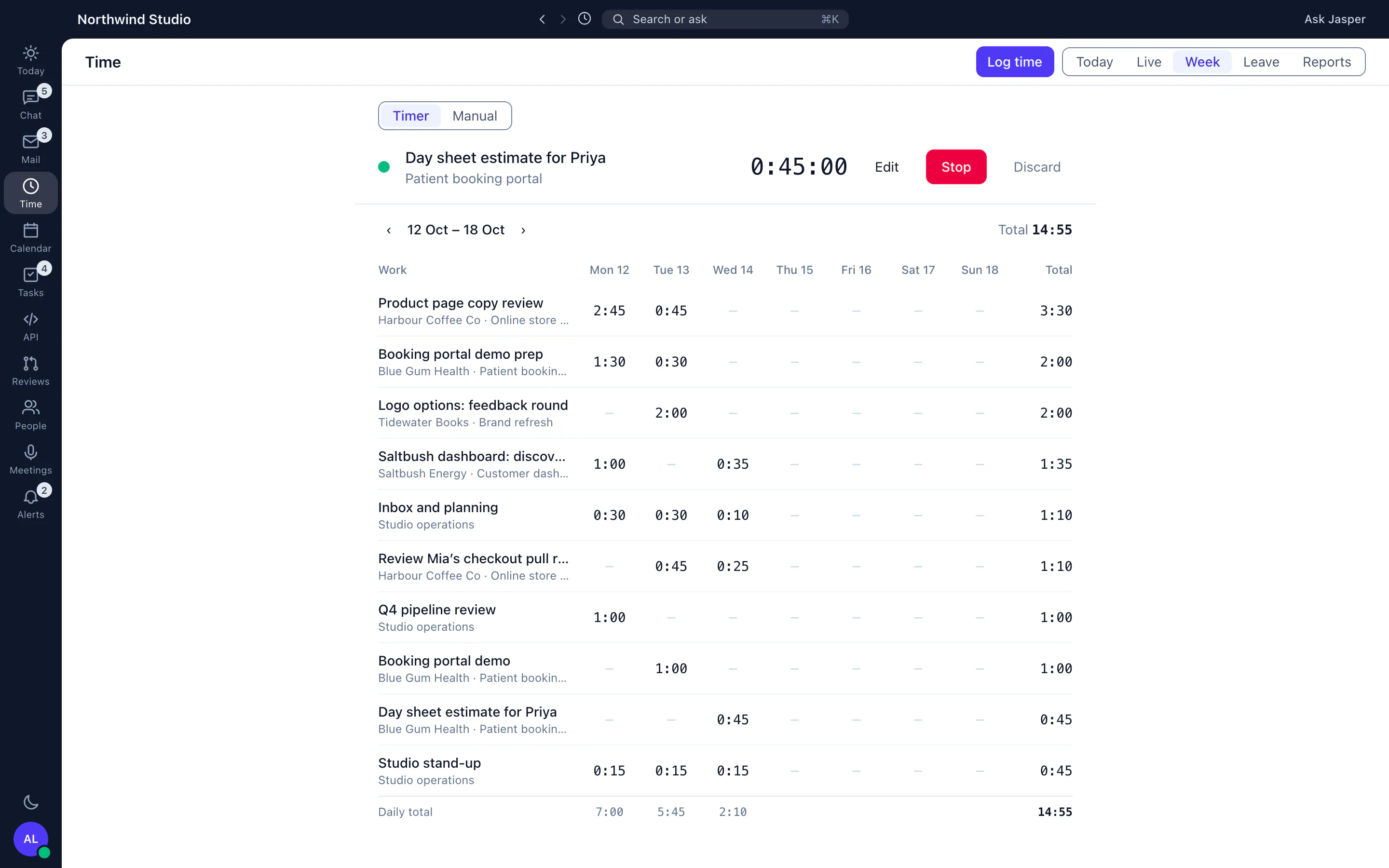
Log time against the client and project from the timer in the browser or desktop app, with a short description such as "logo round 2 revisions". Pitching, internal critiques and studio admin go on internal projects that are non-billable by default, so you can see how much of the week the client work took. Our billable vs non-billable guide has a decision table for the grey areas, such as unpaid revisions.
Keeping a brand retainer honest
Ongoing work for a brand, such as social assets, campaign adaptations and small updates, is usually sold as a retainer. In the Client Hub you record the monthly allowance and link the retainer to the projects the work is logged on. The ledger shows hours allocated, used and left for the month, so the account lead can say "you are at 70 percent with a third of the month left" before the client asks. Read retainers vs projects for the rollover options.
Revision rounds without scope creep
Put the number of revision rounds in the statement of work, and treat a third round as a change request with hours attached. The statement of work outline includes a change request form, and the creative brief template keeps the starting point clear. See the glossary entry on scope creep.
Large files and footage
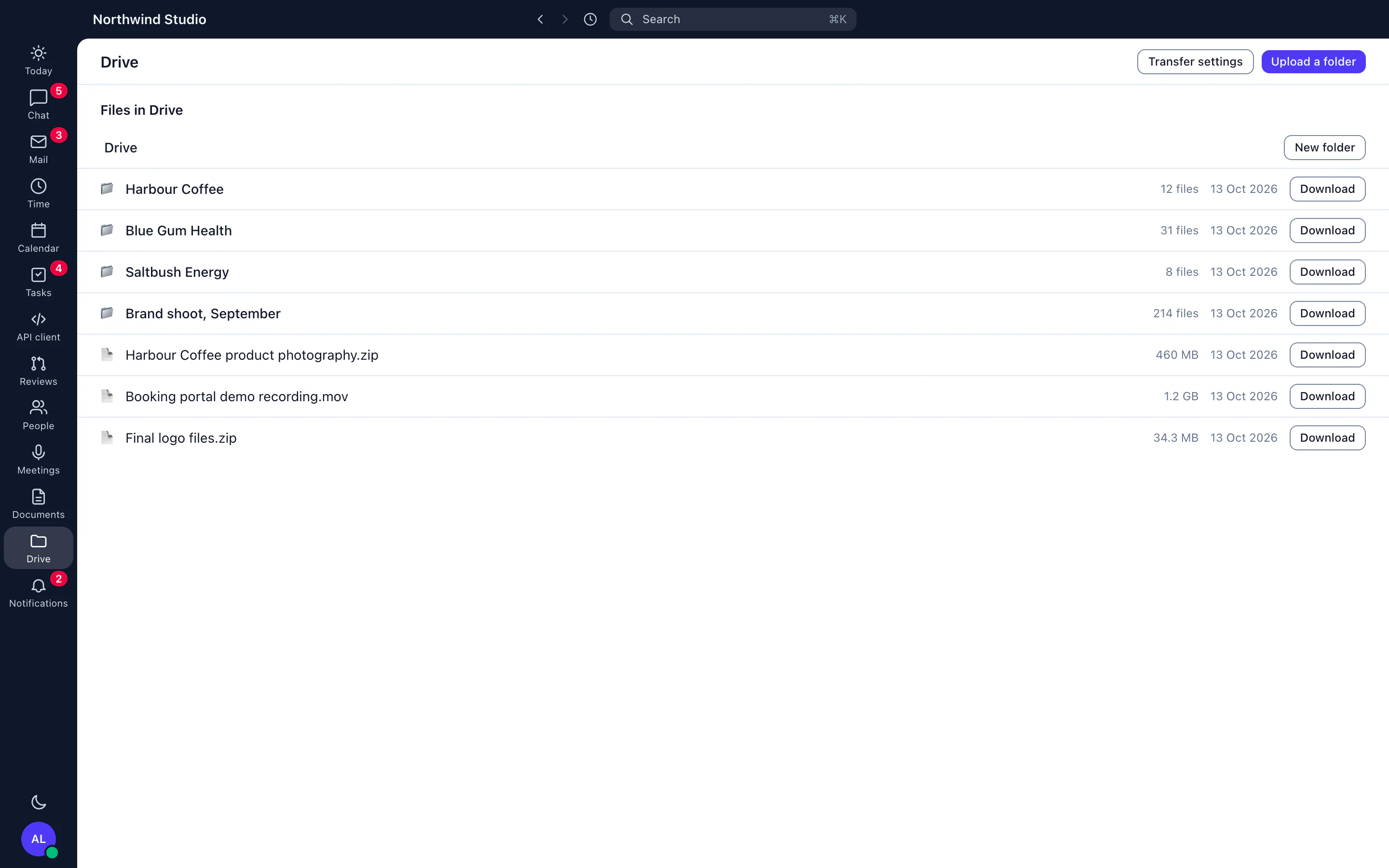
Jasper Drive holds the files a studio produces, from documents to large video, with previews, versions and share links that can expire and carry a password. Large uploads resume if the connection drops, which matters when a motion designer is sending a render from a train.
Talking to clients and freelancers
Chat channels per client keep feedback with the project, and clients and guests you invite can join the conversations you add them to. Guests you invite, such as a freelancer, can join only the conversations you add them to.
Planning around leave
Studios are small, so one person's leave changes the plan. Leave requests, accrual policies and each office's public holidays sit on a team timeline, so a creative director can see who is away before agreeing a deadline. Use the capacity planner template alongside it.
Where Jasper stops for design agencies
- Jasper does not do design proofing or markup on images and video. Keep your proofing tool for annotated feedback.
- No invoicing screen. Exports carry hours and a billable flag, not amounts, so invoices are made in your accounting tool.
- No resource forecasting: the team timeline shows leave and holidays, and you plan the work yourself.
- Chat and Time, with the Client Hub, are in the Free plan for up to 3 people. Leave is in the People app, mail in the Mail app and the wiki in the Work app.