The problem it solves
Client deliverables sit in a mix of personal cloud drives, chat attachments and email, and nobody can say who has the final cut or who was sent it. Drive keeps them in the same workspace as the client's chat and tasks, with a record of who opened what.
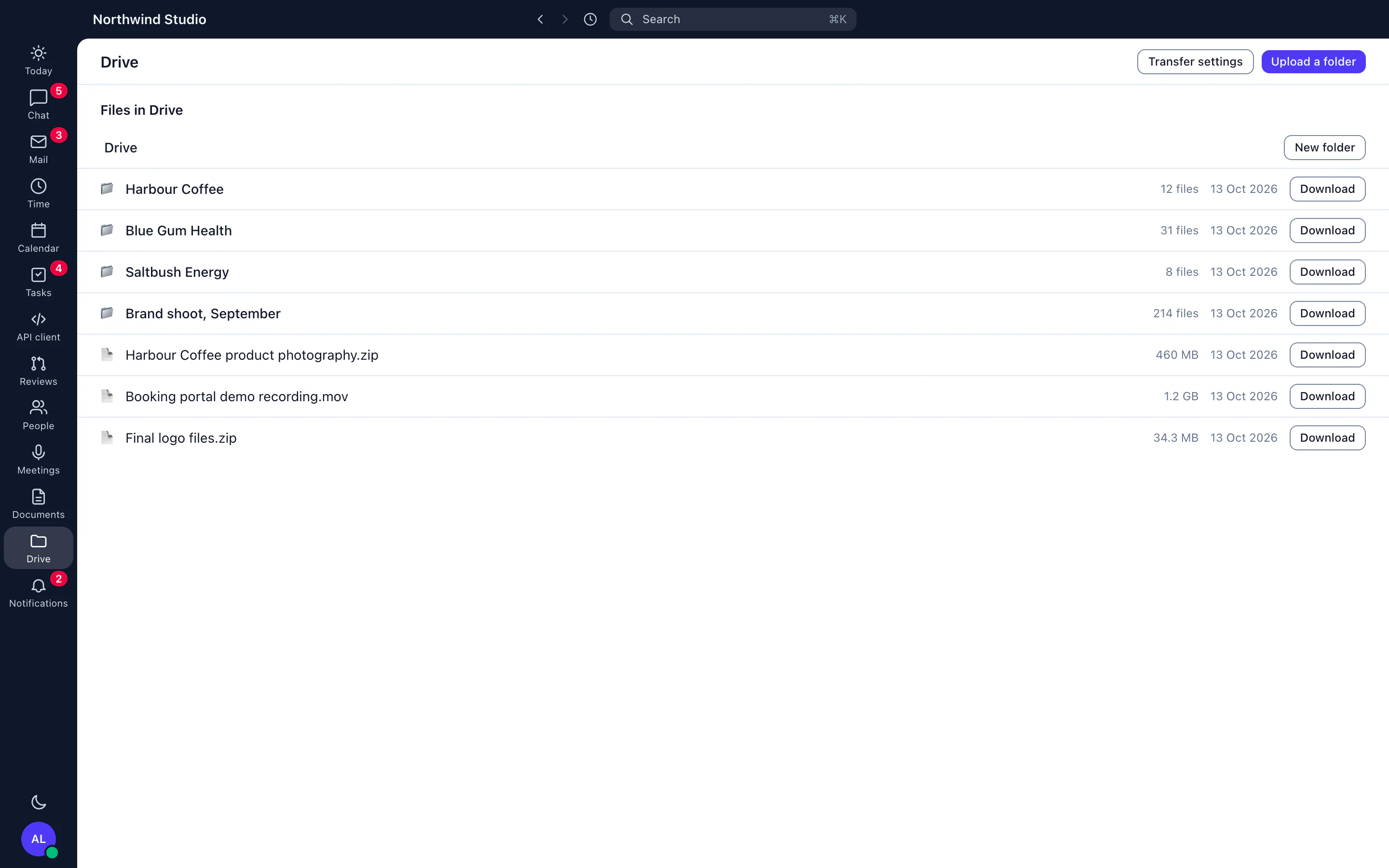
An agency makes a lot of files: briefs, designs, exports, and video that can run to many gigabytes. Jasper Drive is where those live, in the same workspace as the client's chat and tasks, so a link in a message opens the file and the person who shared it can say who has looked.
What it does
Upload and find
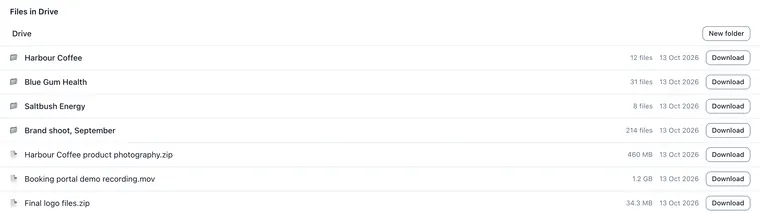
Files go up in parts, so a large upload can resume rather than start again. Organise work in folders, and use search, Recent, Starred and Shared with me to find it later.
Preview, versions and Trash
Preview images, video, audio, PDFs and text in the browser. Each change to a file keeps a version you can download or restore. A deleted file goes to Trash until someone restores it or deletes it for good.
Share without losing control
Give people and groups a role on a folder or a file. For someone outside the organisation, make a share link. A link expires within 30 days, can have a password, and can be revoked. A public link only serves a file after it has been scanned and found clean, and files of 2 GB or more are never scanned, so they are never served on a public link. Each open, download and refusal on a link is logged.
Archive what is cold
A rule on a folder archives originals that nobody has opened for a set number of days. The default is 90, and a folder can set its own. Archived originals can be restored, with progress shown, and previews and thumbnails stay available meanwhile.
Connect your own tools
Drive has an S3-compatible gateway with access keys, a developer API with code samples, and signed webhooks that retry with backoff and can be replayed. The Jasper MCP server has Drive tools, so an assistant can list, search, preview, share and restore files as you.
How agencies use it
Delivering a cut to a client
An editor uploads a video, shares a link that expires in a week with a password, and sees in the log when the client opened it.
Finding last year's assets
A designer searches for a logo from an old project. The original was archived after 90 days of no use, so they restore it and carry on.
What it doesn't do yet
- Not part of the free plan. Drive starts with a trial or a storage agreement for your organisation, so talk to us.
- A share link lasts at most 30 days. For longer, share with a person or group instead.
- Files of 2 GB or more cannot go out on a public link.
- The phone app for Android browses and searches Drive, uploads files and keeps files for offline use, for organisations that have Drive.
How it connects
Web: The Drive page: browse, upload, preview, share, restore versions and set archive rules.
Desktop app (macOS, Windows and Linux): Drive is in the desktop app for macOS, Windows and Linux.
- S3-compatible access with access keys, for tools that already speak S3.
- Webhooks for Drive events, signed, retried with backoff and replayable.
- MCP server: assistants can list, search, preview, share and restore Drive files.
Plans
Drive is not part of the free plan. It starts with a trial or an agreement for your organisation, so talk to us for access. See the price.