The problem it solves
A proposal, a statement of work or a report goes through a dozen rounds, and the comments end up in email while the real file drifts. Documents keeps the draft, the questions and the changes in one place.
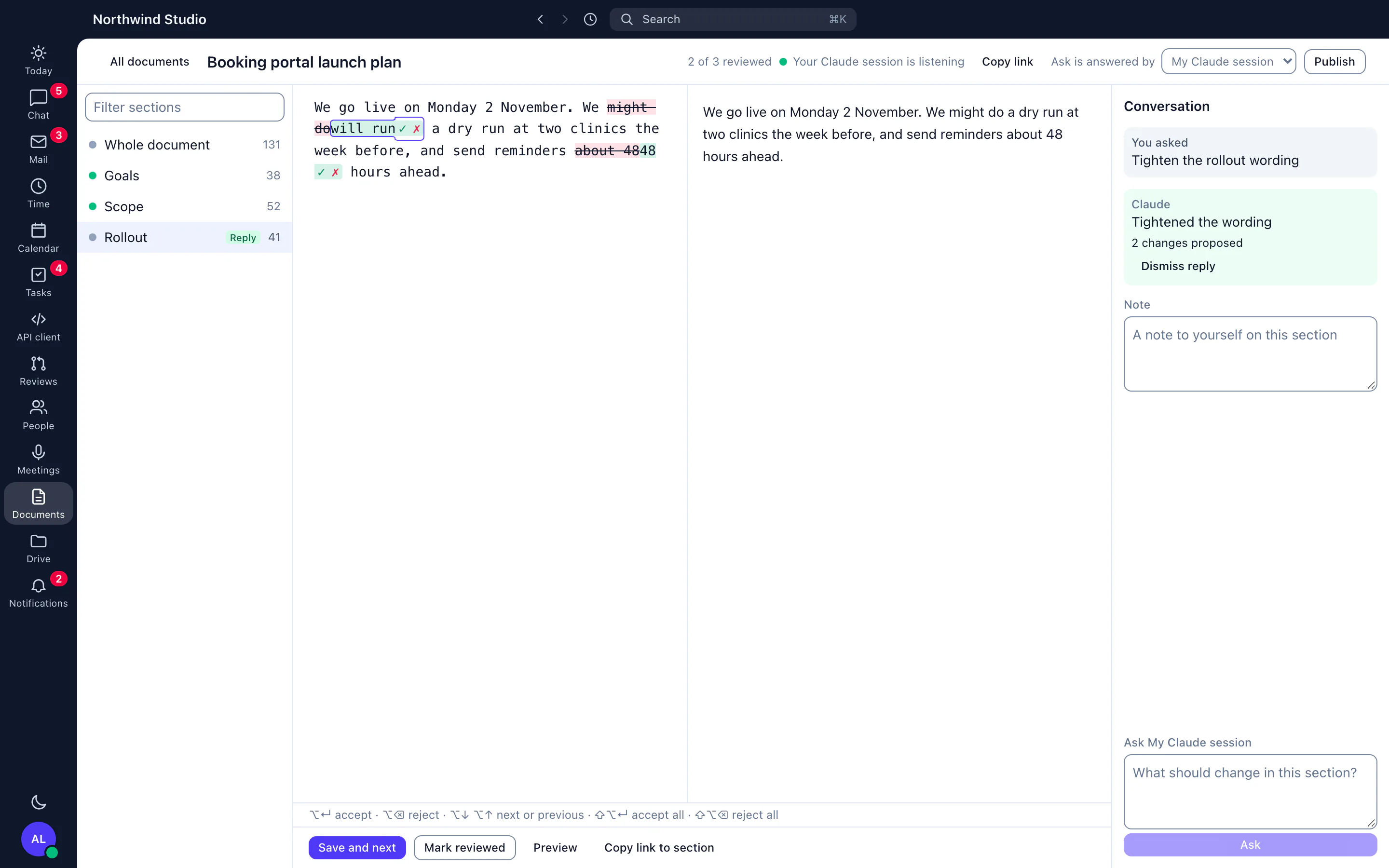
Documents is for text that needs several rounds of review: a proposal, a statement of work, a report, a policy. You write in Markdown, Jasper splits the document at each second-level heading, and you work through it one section at a time.
What it does
Review one section at a time
Open a document and move through its sections. For each one you can mark it reviewed, add a note, or ask a question. A document with a short preamble and ten headings becomes eleven small reviews instead of one long file.
Claude's changes as tracked edits
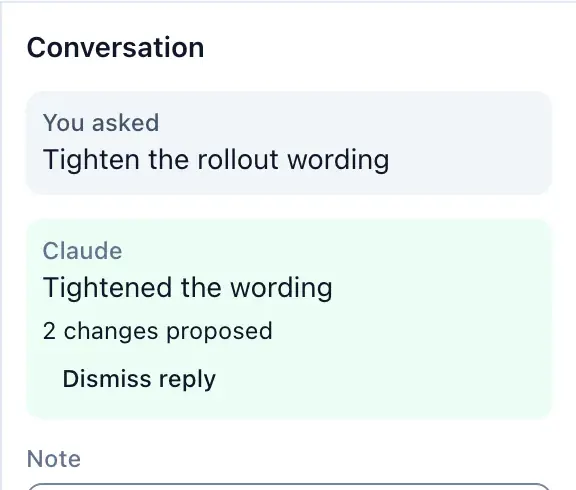
When Claude suggests a change, it appears inline as a tracked edit. You accept or reject each one, so the text only changes when you decide it should. Every save is kept as a version.
Choose who answers
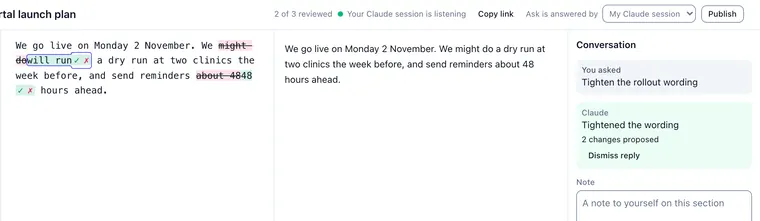
For each document you decide who answers your questions. Either your own Claude Code session answers through the Jasper MCP server, using the documents tools, or Jasper's server agent answers, with its replies labelled. A small indicator shows whether a listening session has been active recently.
Publish
Publishing turns the Markdown into a PDF or a Word file, in a simple or a formal layout, or into a web page that people in your organisation can open when signed in. The formal PDF has a contents page with page numbers.
How agencies use it
A statement of work with the client's questions
The account manager drafts the scope in Markdown, asks Claude to check it against the brief section by section, accepts the edits that are right, and publishes a formal PDF for the client to sign. Our guide to agency statements of work covers what the document should say.
A monthly report
A lead writes the report, ticks off each section as a colleague reviews it, and publishes it to Word for the client's own template.
What it doesn't do yet
- Markdown only. Jasper does not open Word files for editing here.
- Not live co-editing. If someone saved a section before you, Jasper shows you the current text instead of overwriting it.
- Off until an owner or admin turns it on under Settings, Features.
- Only the person who created a document and the organisation's owners and admins can edit it. Clients and guests cannot see documents.
- Published web pages are for signed-in members of your organisation, not the public.
- When Jasper's server agent answers, the document text goes to Anthropic's Claude. Use your own session if a document must not.
- The phone app for Android lets staff read a document section by section and review its suggested changes. Creating and publishing documents is in the browser and the desktop app.
How it connects
Web: The review desk: open a document, work through its sections and publish it.
Desktop app (macOS, Windows and Linux): The same desk in the desktop app for macOS, Windows and Linux, with unsaved sections saved before you sign out or quit.
- MCP server: the documents_requests, documents_show, documents_suggest and documents_open tools let your own Claude Code session answer questions on a document.
Plans
Documents is in the Work app, and off until an owner or admin turns it on under Settings, Features. See the price.